
Why Use PhotoEditor.se to Edit Google Business Profile Photo Online Free?
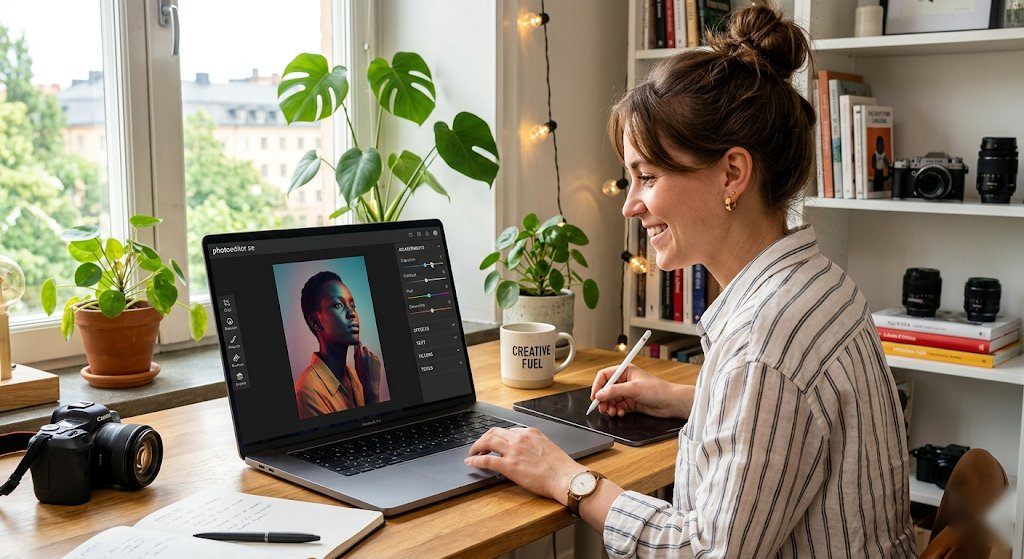
Edit Google Business Profile Photo Online Free is built for local search profiles, storefront images, interior photos, staff shots and service examples. Start with a real photo or graphic, then add text, crop, resize, remove backgrounds, adjust colors and download a finished PNG in your browser.
Edit Google Business Profile photos online free for storefronts, interiors, team photos, products and service images. These pages are designed around real search intent, so you can quickly create posts, flyers, cards, comparison images, profile photos, educational graphics and event announcements without installing software.
Google Business Profile Photo Design Ideas
- Brighten storefront and interior images for local search.
- Crop photos so signs, staff or products are clear.
- Create clean cover-style images for your business profile.
- Edit product and service photos before posting.
Features for Editing Google Business Profile Photo
- Apply filters: B&W, sepia, vintage, warm, cool, vivid, fade, matte and more
- Adjust brightness, contrast, saturation, sharpness and blur
- Crop to any size, ratio or custom dimensions
- Resize precisely with locked aspect ratio
- Add text with custom fonts, sizes and colors
- Animate text with pulse, bounce, glow and shake effects
- Remove backgrounds automatically and replace them with white, transparent, custom color or image backgrounds
- Rotate left/right and flip horizontally or vertically
- Undo/redo history for safe experimenting
- Download as high-quality PNG — no watermark
Best Practices for Google Business Profile Photo Editing
For google business profile photo designs, start by deciding the job of the image: comparison, profile photo, event invite, sale graphic, classroom post, sports update, educational graphic or social post. That makes it easier to choose the right crop, text size and background style before you add filters.
- Use accurate, current business photos.
- Do not over-filter local profile images.
- Keep signage, hours and storefront details clear.
Compatible Formats
Our online editor supports all common image formats: JPG/JPEG, PNG (including transparent), WebP, GIF and BMP. Your edited google business profile photo downloads as a high-quality PNG file that works everywhere.