Why Use PhotoEditor.se to Edit Advertising Photo Online Free?
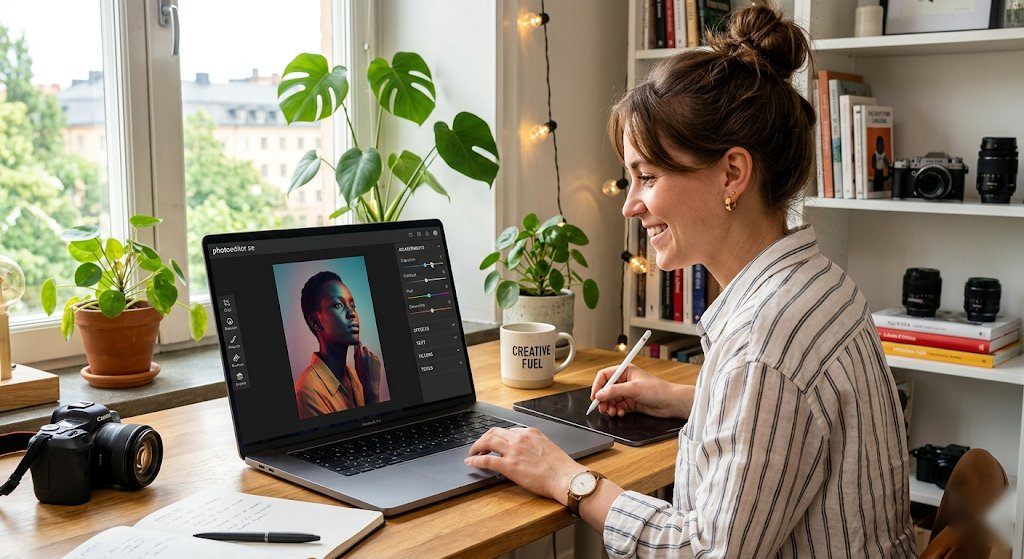
PhotoEditor.se is the easiest and fastest way to edit advertising photo online free. Our browser-based editor requires no downloads, no plugins and no account. Open your image and start editing in seconds — completely free.
Edit advertising photos online free. Professional edits for marketing and campaigns. Whether you're editing for social media, print, web or personal use, our editor gives you professional-grade results without the complexity.
Features for Editing Advertising Photo
- Apply filters: B&W, sepia, vintage, warm, cool, vivid, fade, matte and more
- Adjust brightness, contrast, saturation, sharpness and blur
- Crop to any size, ratio or custom dimensions
- Resize precisely with locked aspect ratio
- Add text with custom fonts, sizes and colors
- Animate text with pulse, bounce, glow and shake effects
- Remove backgrounds automatically and replace them with white, transparent, custom color or image backgrounds
- Rotate left/right and flip horizontally or vertically
- Undo/redo history for safe experimenting
- Download as high-quality PNG — no watermark
Best Practices for Advertising Photo Editing
When editing advertising photos, start with basic adjustments: get your brightness and contrast right first, then add filters. Use the saturation slider to make colors more vibrant or more muted depending on the mood you want.
For adding text, choose a font that complements the mood of the photo. For professional photos, use clean modern fonts. For fun or social media content, try bolder or more expressive styles. Use text animations like "glow" for eye-catching social media posts.
Always crop before applying filters so you're working on the composition you want. When resizing, lock the aspect ratio to prevent distortion.
Compatible Formats
Our online editor supports all common image formats: JPG/JPEG, PNG (including transparent), WebP, GIF and BMP. Your edited advertising photo downloads as a high-quality PNG file that works everywhere.